MBBS → Choose university
Select your university
Campuses with MBBS packages — tap one card, then pick your Academic Year.
How to use this page
Tap one campus card below. Next: Academic Year → Block → Subject.
Your path
Learning path
- MBBS
- University
- Academic Year
- Block
Select your university
One tap per card — nothing else to choose on this screen.
No universities linked to this programme yet
Try another browse path or search the catalog.
Back to homeAlso available
Professional courses
Expert-led video courses related to MBBS — separate from Academic Year packages. Add lectures when you want instructor-led teaching alongside MCQ practice.
FCPS Part 2
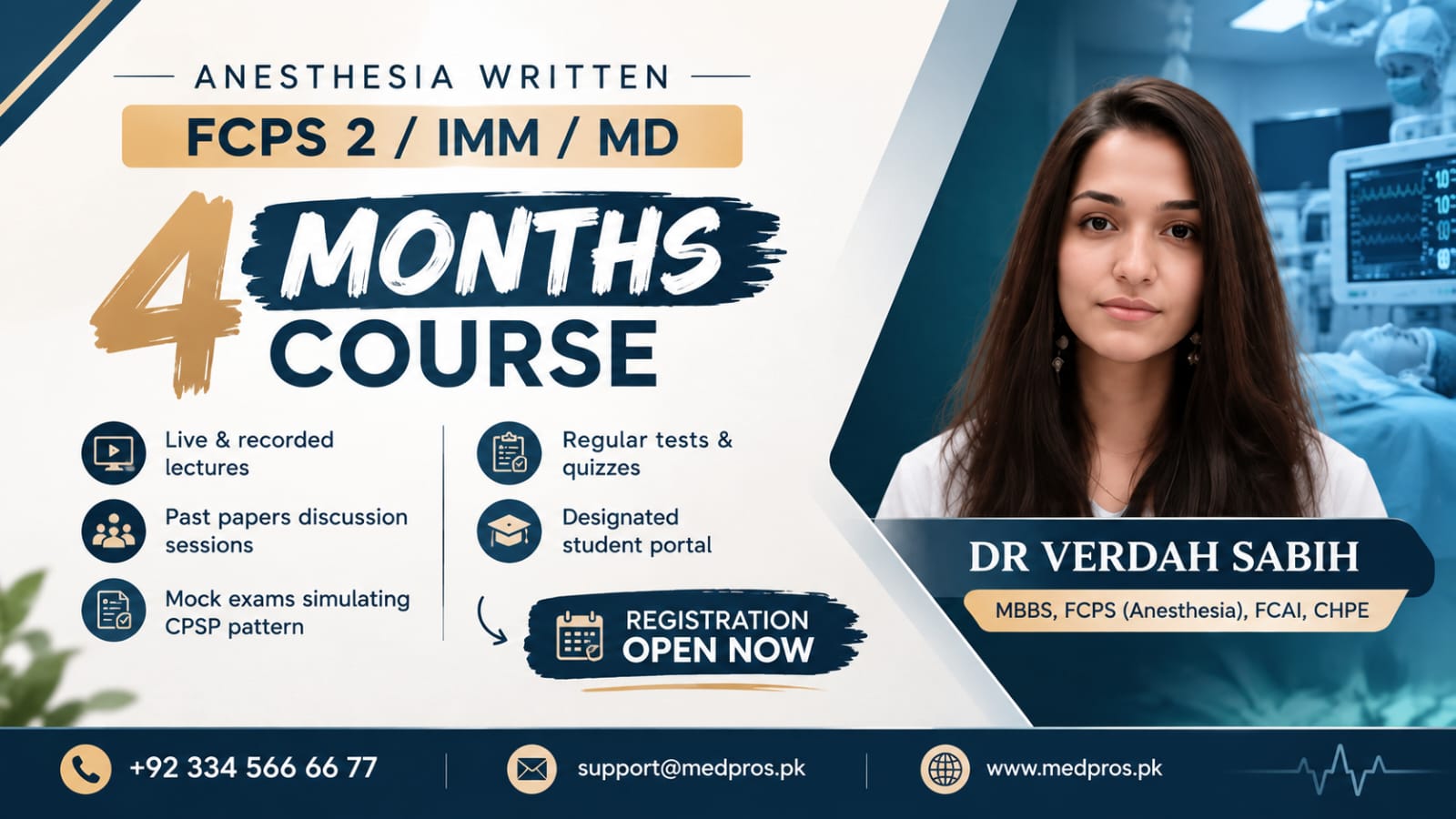
4th Anesthesia Written 4 Months Course – FCPS-II | IMM | MD
Dr verdah Sabih
4.7
(12)
199 students
Rs 24,500
FCPS Part 2
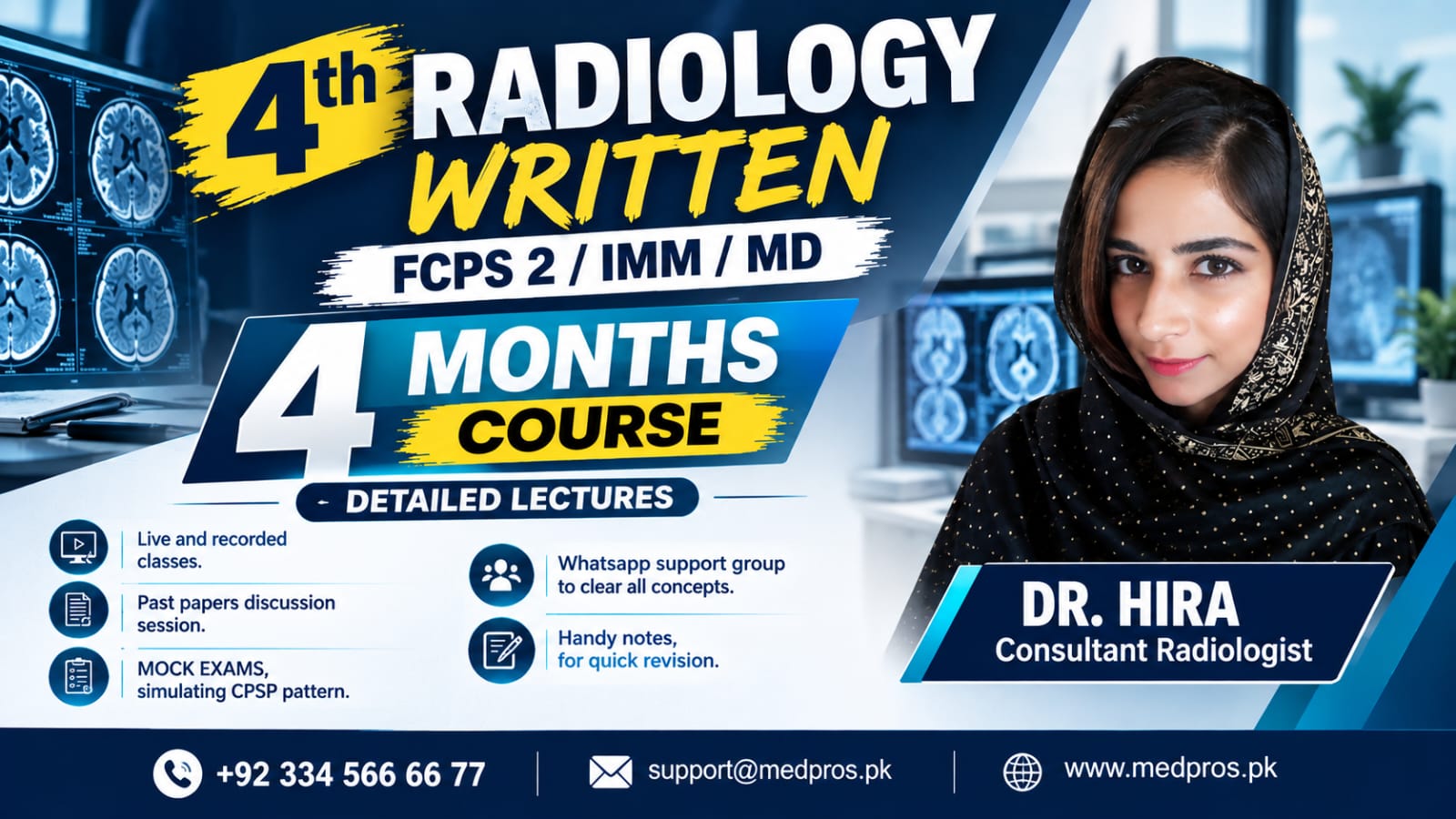
4th Radiology Written Course – FCPS-II | IMM | MD
Dr Hira
4.6
(12)
162 students
Rs 24,500
SURGERY
WRITTEN THEORY
FCPS Part 2
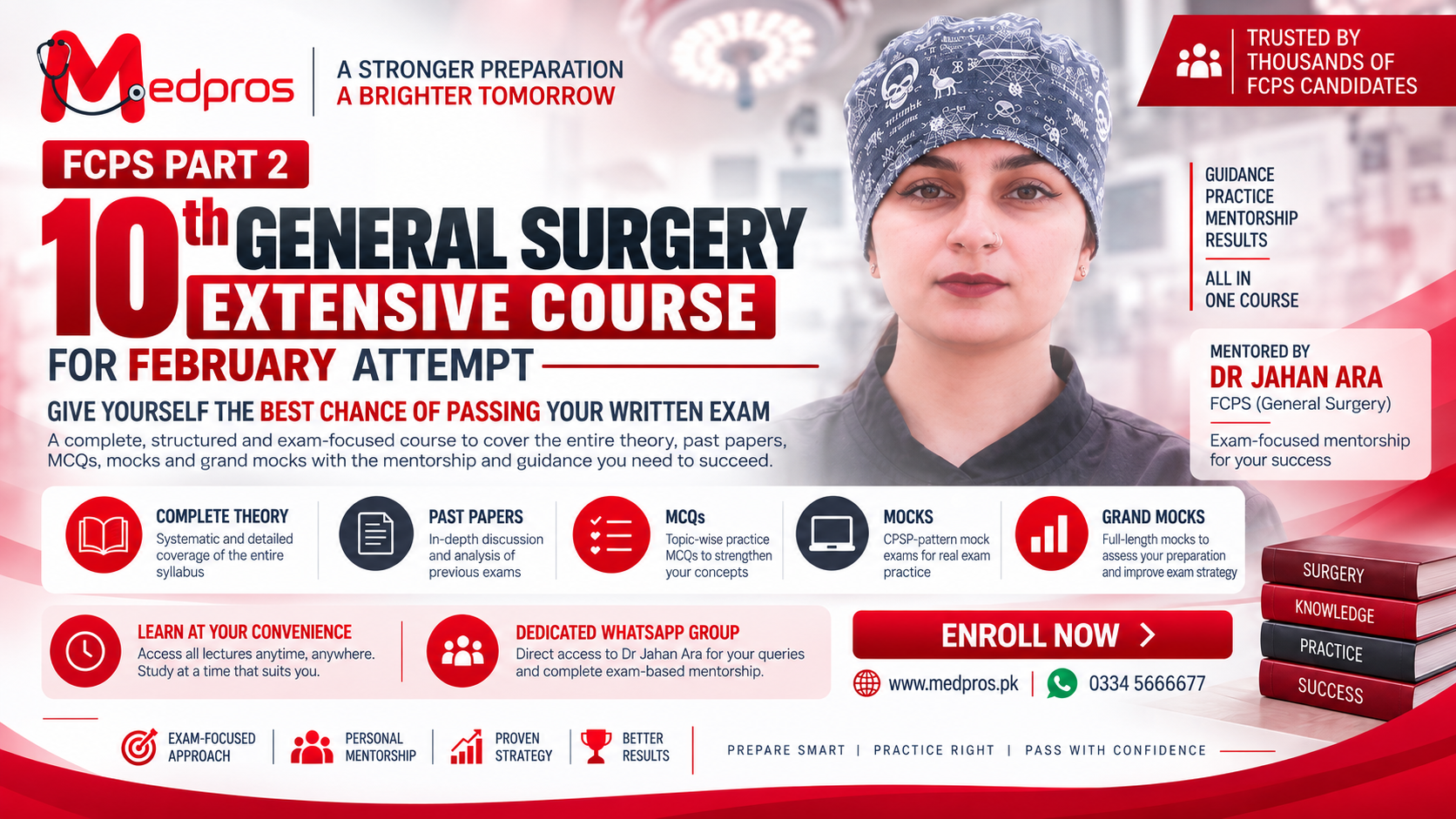
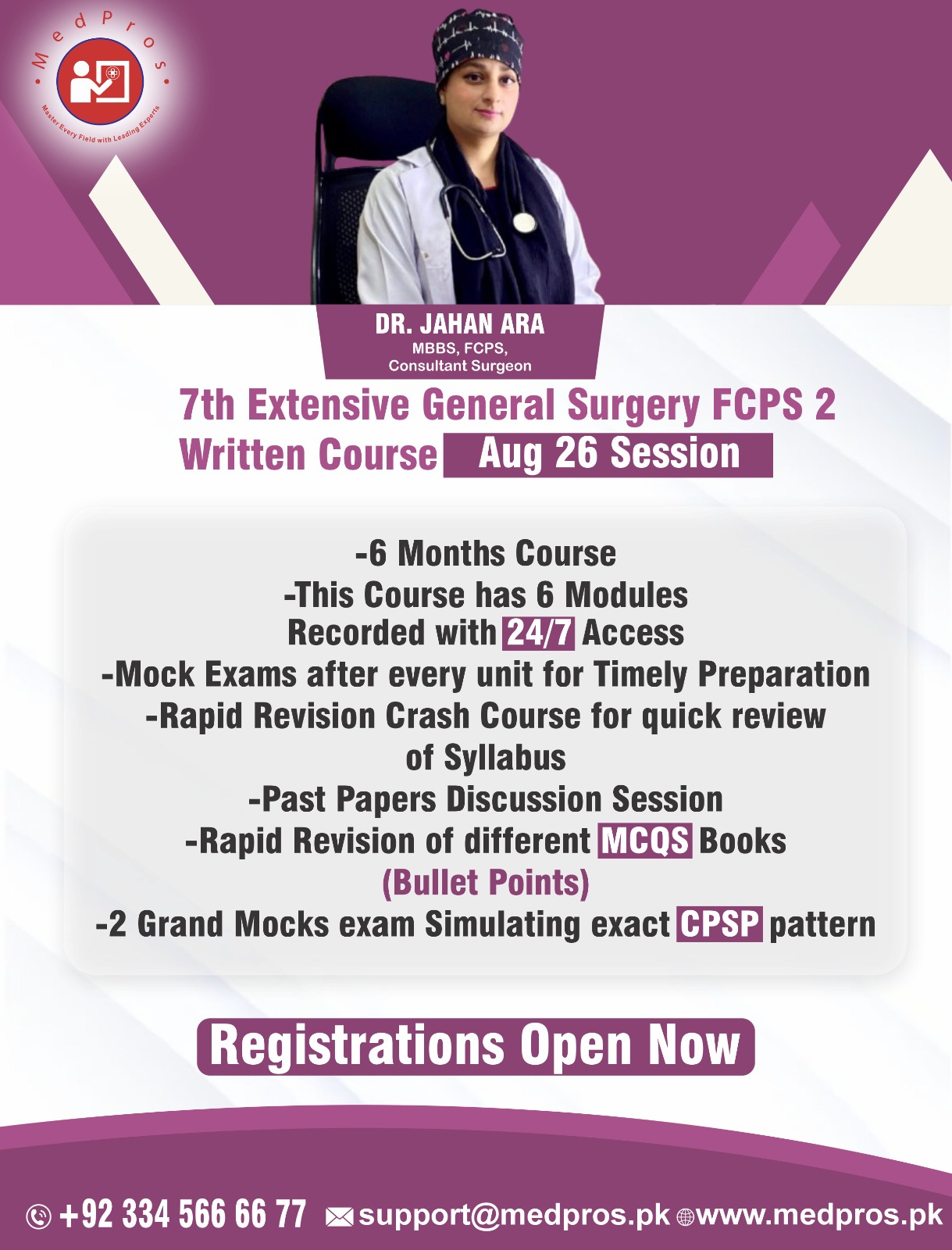
7th Extensive General Surgery | FCPS-2 Written Course | Aug-26-Session
Dr Jahan Ara
4.6
(12)
470 students
Rs 40,000
Rs 45,000
-11%
IMM (Intermediate Module)
PAEDIATRICS
WRITTEN THEORY
+3 more
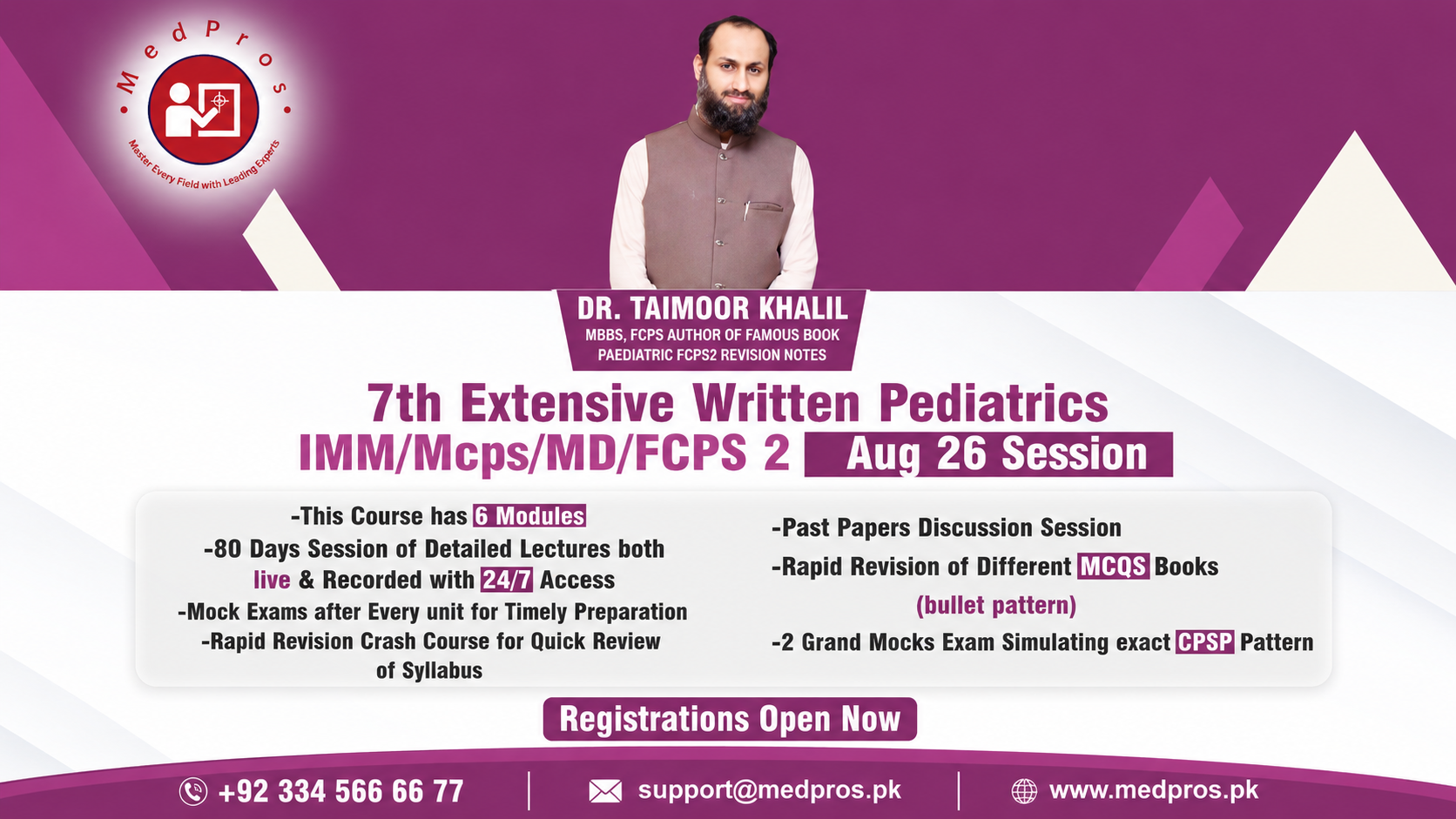
7th Extensive Written Pediatrics IMM/MCPS/MD/FCPS 2 - Aug 26 Session
Taimur Khalil
4.8
(12)
433 students
Rs 40,000
Rs 45,000
-11%
Clinical + Viva
FCPS Part 2
Pediatrics
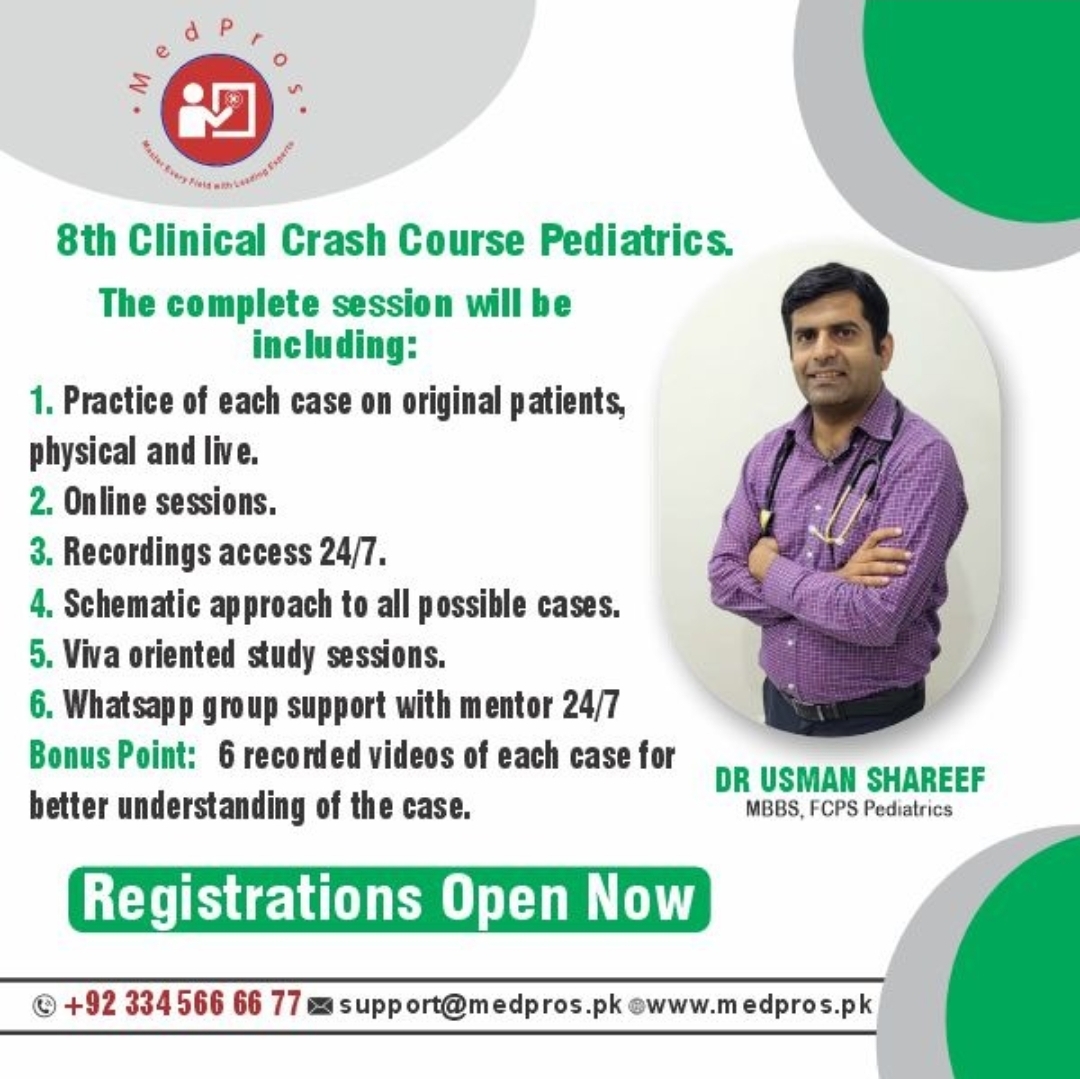
8th Clinical Crash Course Pediatrics.
Dr Usman Sharif
4.7
(12)
507 students
Rs 15,000
Rs 18,500
-19%
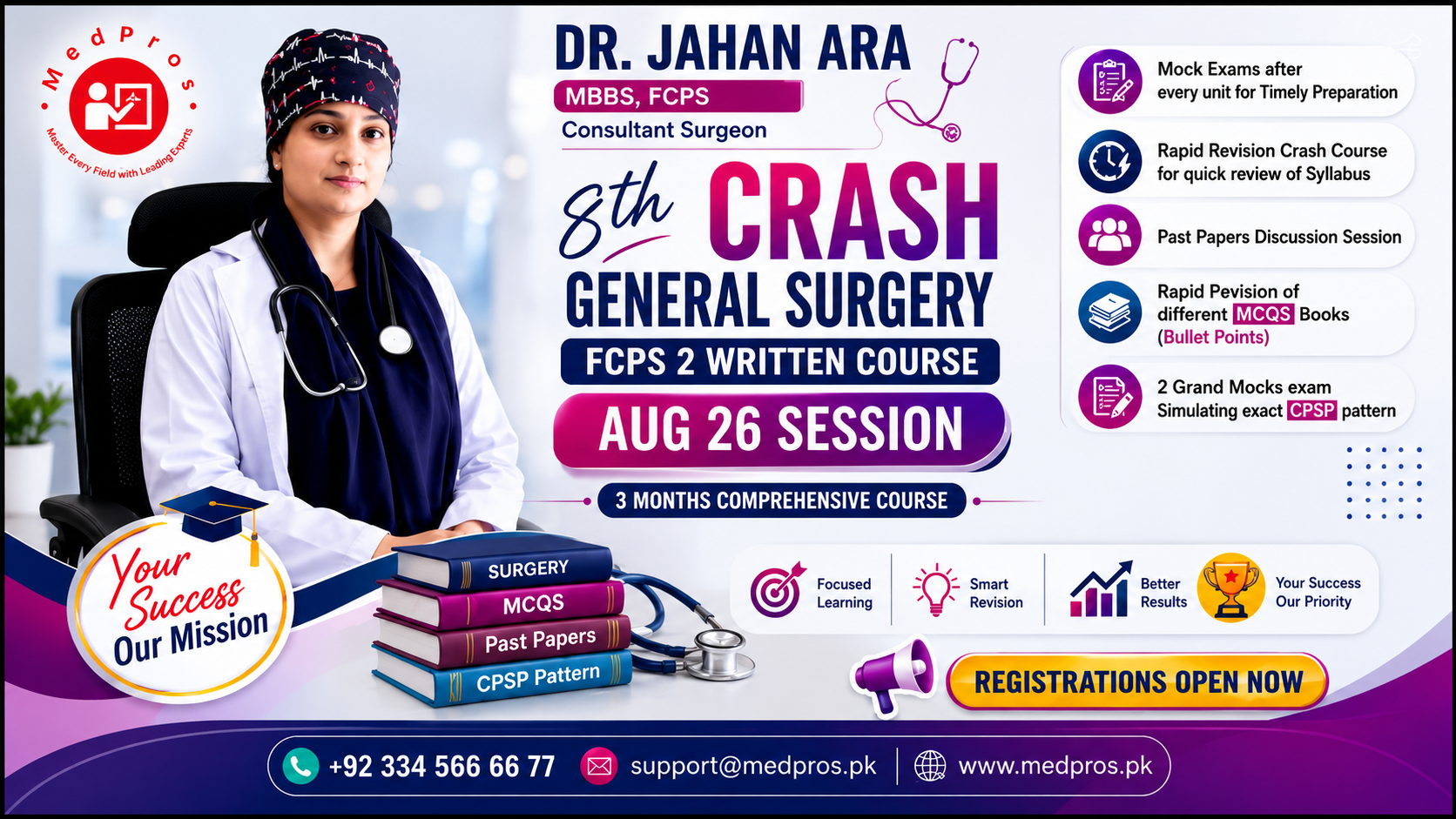
SURGERY
WRITTEN THEORY
FCPS Part 2
8th Crash General Surgery FCPS 2 Written Course
Dr Jahan Ara
4.7
(12)
655 students
Rs 26,000
Rs 30,000
-13%
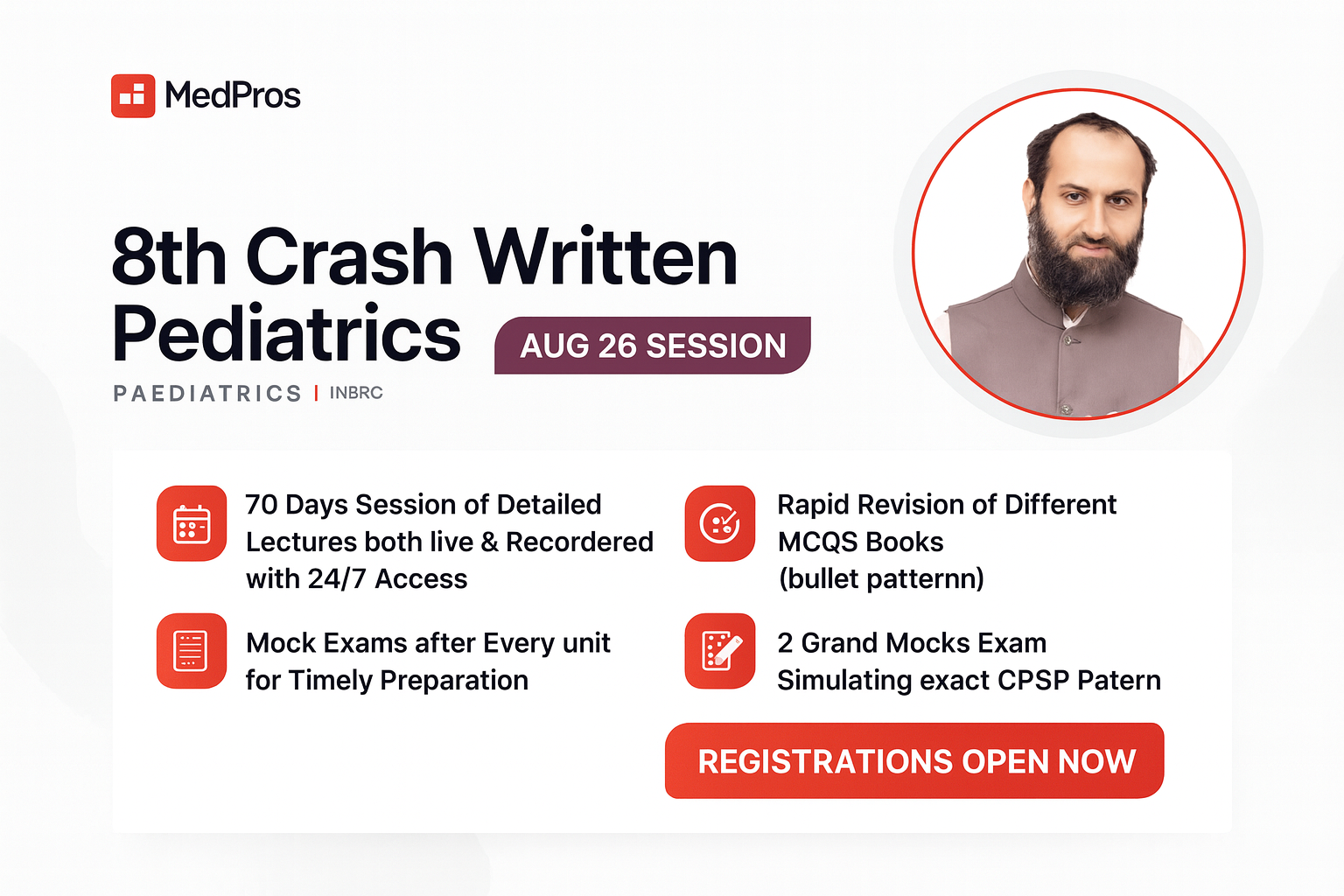
PAEDIATRICS
FCPS Part 2
MD
+1 more
8th Crash Written Pediatric / IMM / MCPS / MD / FCPS-2- Aug 26 Session
Taimur Khalil
4.6
(12)
618 students
Rs 26,000
Rs 30,000
-13%
-
Step 1
Pick a related course
-
Step 2
Open the course page
-
Step 3
Watch lessons & keep practising
Help
Frequently asked questions
Answers related to this browse path — packages, practice, and what comes next.
What can I browse on the Choose university for MBBS page? +
This index lists 0 publicly discoverable items. Each card opens the next step in the learning path.
Is this the same as the authenticated student portal? +
No. This is the public discovery website. The student portal unlocks learning after purchase and login.
How does this connect to Academic Year packages? +
Browse freely here. Academic Year packages unlock full subjects, chapters, topics, videos, notes, and questions.
Where are professional courses? +
Related professional courses appear in a section on these pages when tagged. You can also open the full professional courses catalog anytime.